From the first doc to deploy.
A self-hosted workspace for software teams: docs, tickets, chat and deploys. Your coding agents work in it through one MCP server.
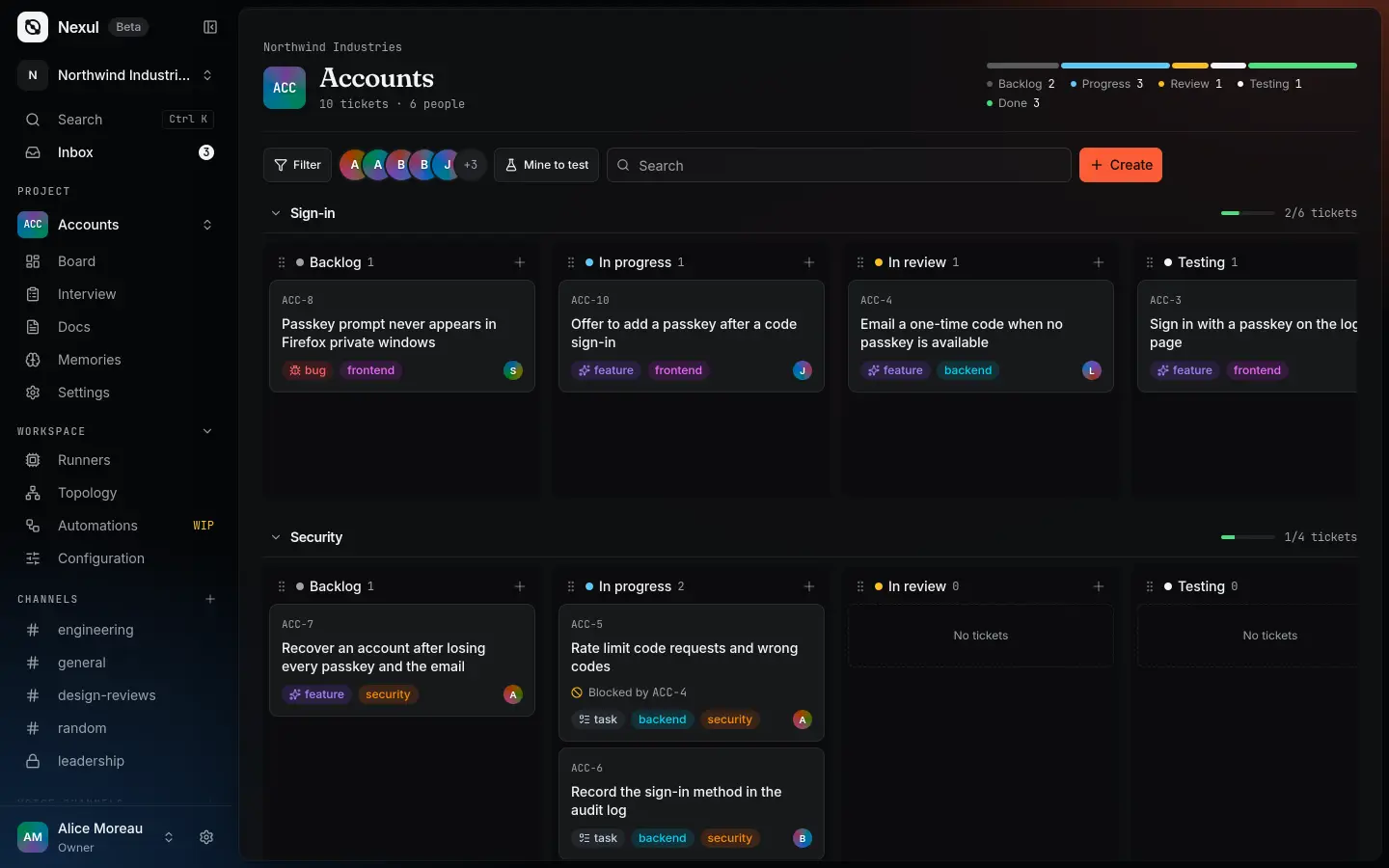
The plan, the work and what’s running, linked.
One feature, passkey sign-in, from its spec to the rollout. A ticket keeps the doc it came from, a deploy names its ticket and pull request, and nothing gets copied between tools.
Write the plan
Write the passkey sign-in spec together, in real time. Clarify via AI asks about what it leaves open, round by round.
Read about docs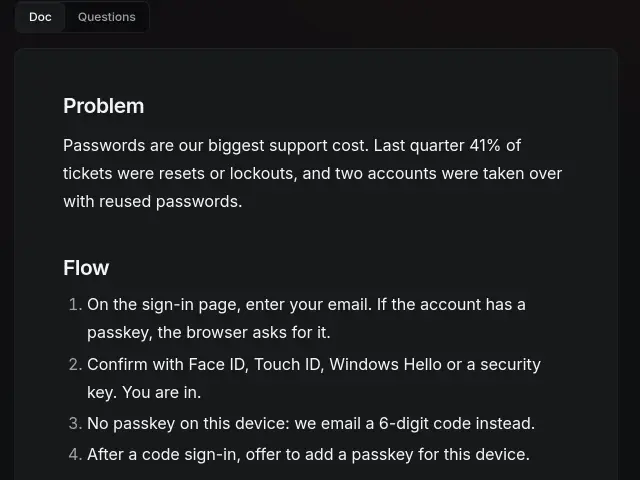
Cut it into tickets
Ten tickets come from the spec. Each keeps it as the source, links its branch and pull request, and has a thread where agents post their runs.
Read about tickets and the board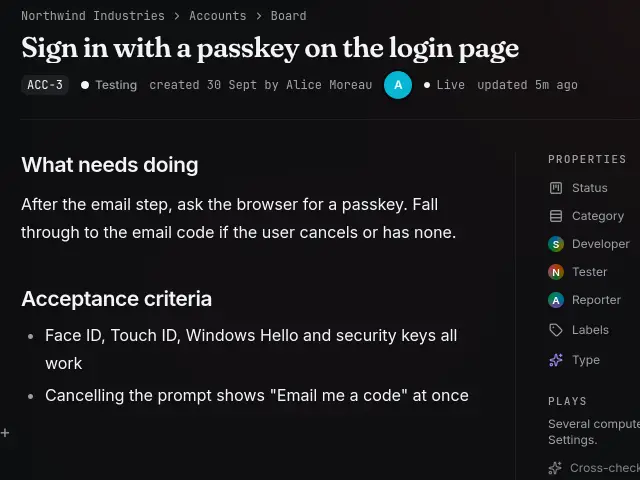
Ship to your servers
A runner on your machine builds accounts-api 1.4.0 and deploys it. Each step and its log stay on the deploy page.
Read about stacks and deploys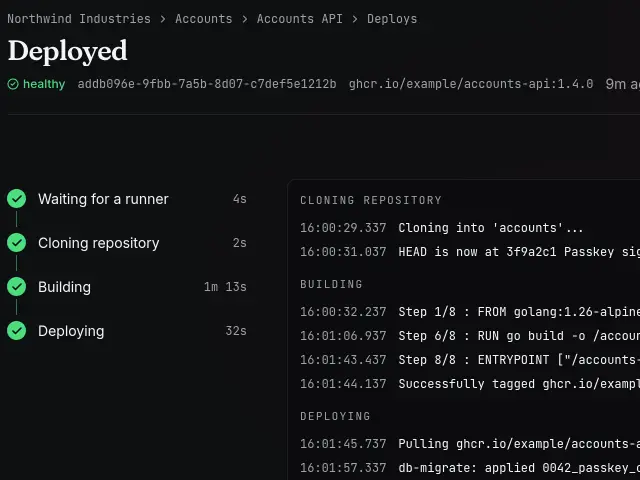
Hear what happened
The deploy bot posts the rollout as a card, with its ticket and pull request, in the channel your team already reads.
Read about bots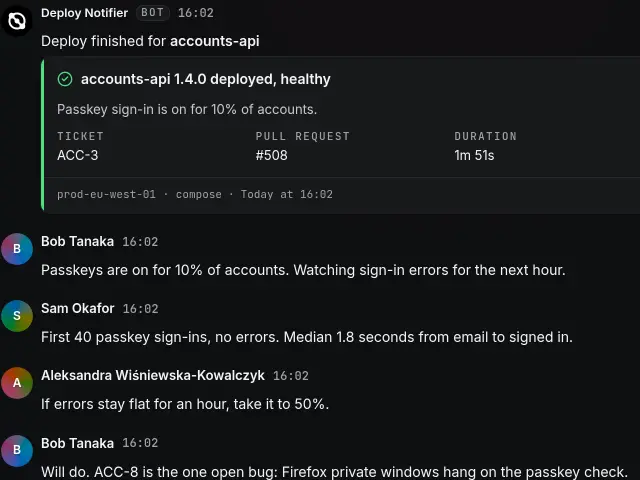
Agents work in it as you.
Connect any MCP client to your instance. The agent reads docs, files tickets, posts in chat and deploys stacks as you, with your permissions and nothing more.
Connect an agentWhat is blocking the code rate limits?
"rate limit""ACC-5"Keep your work. Own where it runs.
Nexul runs as native services on one port of your server. A runner on each machine you deploy to connects out to it, so the instance never holds an SSH key.
Read the install guide- Docs
- Tickets
- Chat
- MCP
Runners connect out. No SSH keys to hand over.
- Docs and ticketsThe plan and the work, linked.
- Chat and voiceChannels and calls beside the work.
- AutomationsYour events, in TypeScript.
- Topology and DNSWhere every service runs and how it is reached.
- Runners and logsBuild, deploy, and read what happened.
- API and accessScoped tokens and one permission table.
One command on your server.
The installer starts the server and its runner, then prints the setup page and a code to open it with.
In beta: expect rough edges and breaking changes.